
In Bluetooth mode, Apple's PushToTalk system takes over the buttons of your paired accessory (Settings → Radio control → “Enable Bluetooth remote control”). More in the guide, section 5.
Bluetooth media remotes send their button signals differently — not every one reliably triggers the radio in S2G. This list grows with every device we (or you) test successfully.
On Android, very simple photo/shutter remotes that send a volume key (“Volume +”) when pressed also work — just enable them in the S2G settings and they trigger the radio. On iOS/Apple this is not possible by design; there you need media-key remotes in Bluetooth mode. The “Tested with” column shows what each device was checked with.
Tested devices
✓ reliably triggers the radio in S2G · ✗ doesn't work. “Reported” = submitted by users, not yet re-checked by us.
| Photo | Device name | Type | Approx. price | Where to buy | Tested with |
|---|---|---|---|---|---|
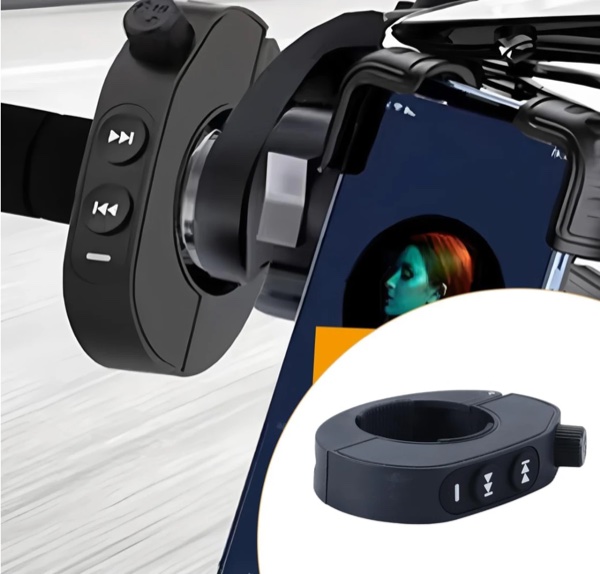 |
DQX-Q16 our pick · handlebar media remote |
Handlebar mount | €16.99 | Amazon | ✓iPhone 17 Pro Max |
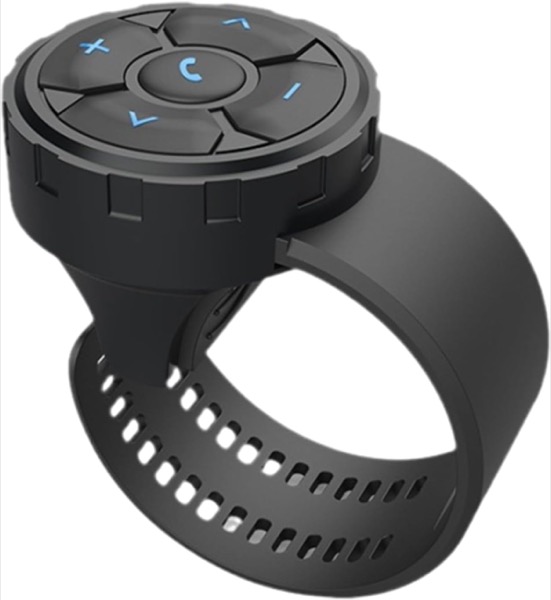 |
QXS-001 checked by the S2G team · handlebar media remote |
Handlebar mount | €23 | Amazon | ✗iPhone 17 Pro Max✓Android tablet TAB10 |
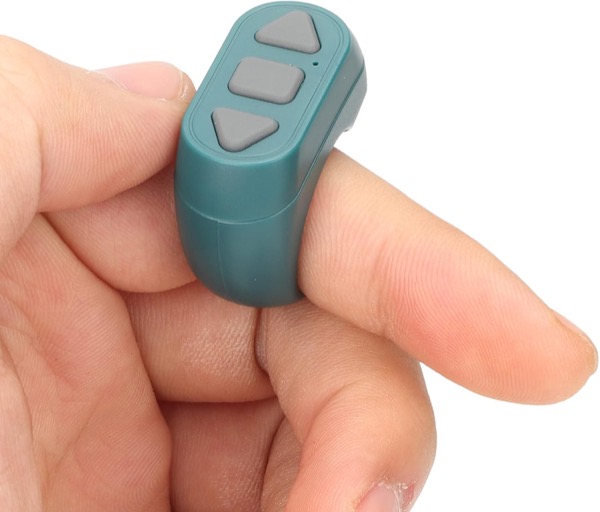 |
Bluetooth radio ring checked by the S2G team · Wearable remote (ring) |
Wearable (ring/wristband) | 9,95 € | Amazon | ✗iPhone (iOS)✓Android |
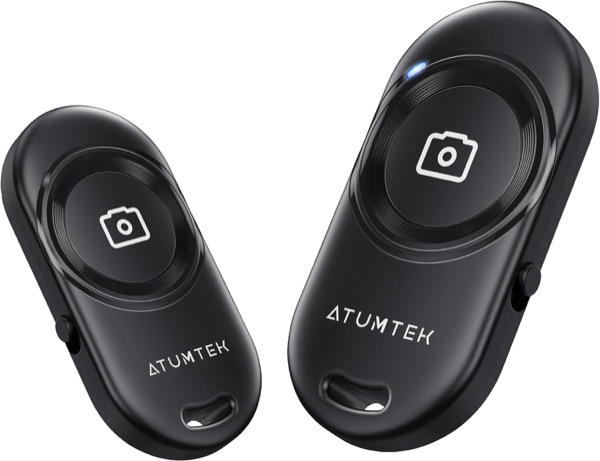 |
ATUMTEK photo shutter remote checked by the S2G team · sends a volume key (“Volume”) |
Photo shutter | ≈ 5,50 € 2× = 10,99 € |
Amazon | ✗iPhone (iOS)✓Android |
| More tested models to follow — feel free to report yours below. | |||||
Report a device
Does a remote work (or not) for you? Tell us via the form — that way a complete report comes in and we add the device to the list.